
Updated January 15, 2026: We have updated the timeline. Thank you for your patience.
[Introduction]
The Interpreter agent is now available in Microsoft Teams Rooms on Windows for devices with a Teams Rooms Pro license. This feature enables real-time interpretation in up to nine languages, allowing participants to speak and listen in their preferred language. It also offers an option to simulate a participant’s personal voice for a more inclusive experience. No additional Copilot license is required.
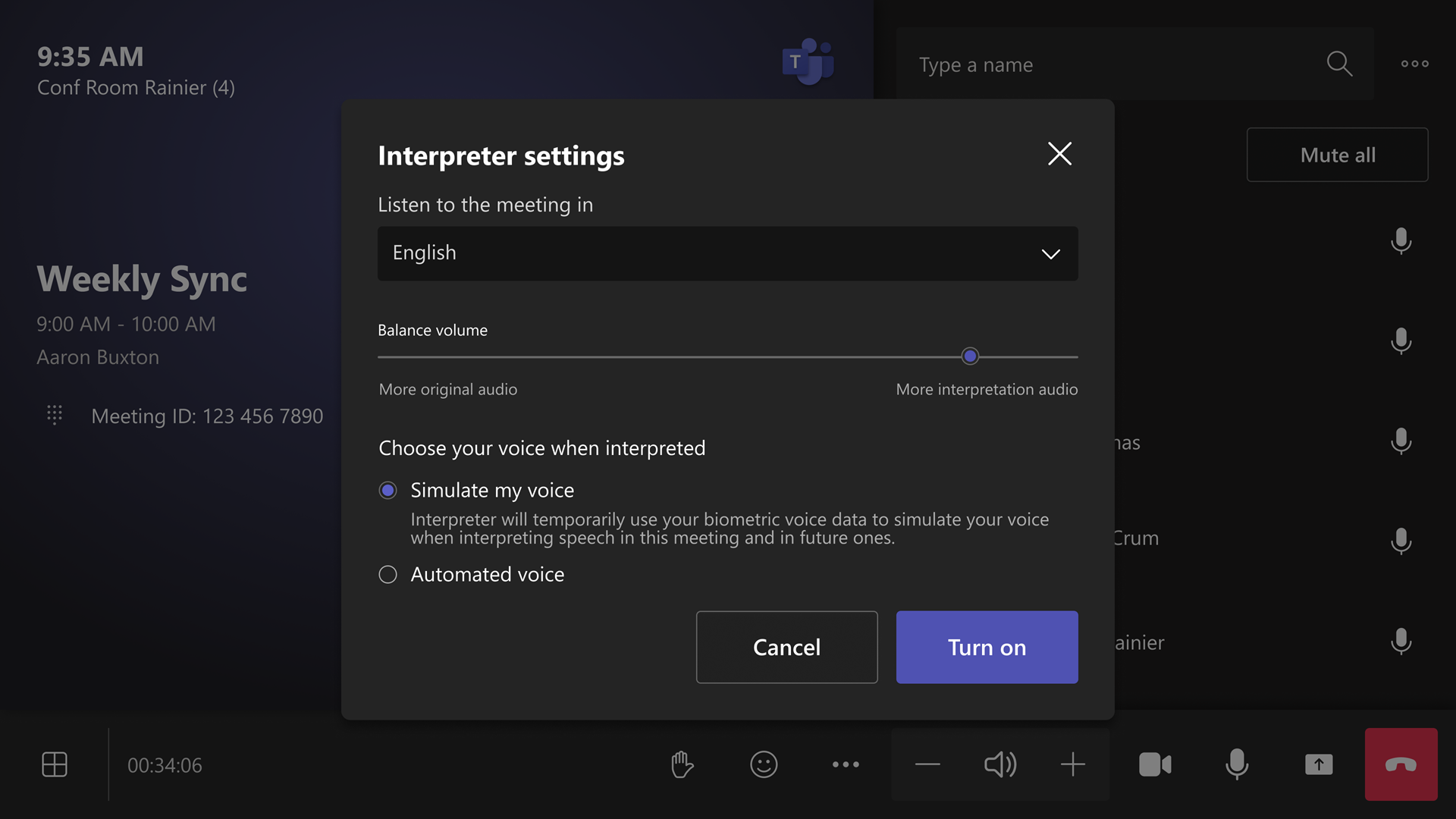
Screenshot 1: Console
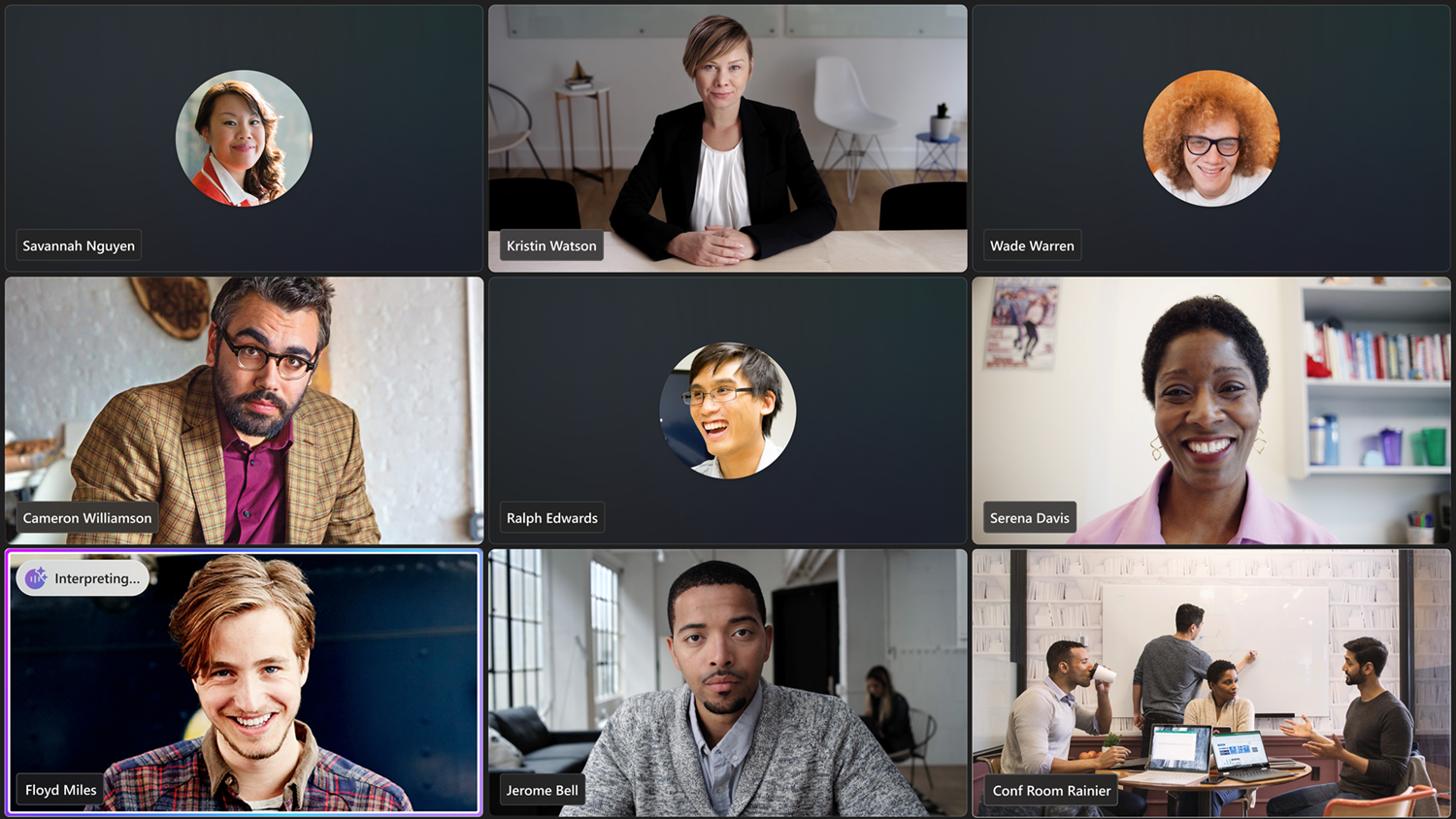
Screenshot 2: Front of room display
This message is associated with Microsoft 365 Roadmap ID 516571.
[When this will happen:]
- General Availability (Worldwide): Rolling out late January 2026 (previously early January), expected completion by late February 2026 (previously late January).
[How this will affect your organization:]
Who is affected: Organizations using Teams Rooms on Windows with Teams Rooms Pro licensing.
What will happen:
- Users can turn on Interpreter during a meeting:
- Go to More > Turn on Interpreter, then select the language and voice option.
- Supported languages: Chinese (Mandarin), English, French, German, Italian, Japanese, Korean, Portuguese, Spanish.
- Voice representation options: Simulated my voice (default) or Automated voice.
- Privacy: Voice samples or biometric data are never stored; original audio is analyzed in real time and not retained.
- Interpretation is simultaneous and may introduce a short delay; accuracy and latency improvements are ongoing.
- Tenant settings:
- Interpreter is enabled by default. Admins can control whether the organization can use Interpreter and set the default voice option.
- No device-level setting in the Pro Management Portal (PMP).
- Licensing: 20 hours of interpretation included per room account per month with a Teams Rooms Pro license. Access beyond included hours is subject to available capacity.
Learn more: Manage Interpreter agent for your organization - Microsoft Teams | Microsoft Learn
[What you need to do to prepare:]
- Ensure room accounts have a Teams Rooms Pro license.
- Review tenant settings:
- Confirm Interpreter is enabled (default).
- Set the preferred default voice option in your tenant.
- Communicate this change to helpdesk and support teams.
- Update internal documentation to reflect the new functionality.
[Compliance considerations:]
No compliance considerations identified; review as appropriate for your organization.
